Quick answer
A bank statement link lets you share your business account history with a lender digitally, instead of downloading and emailing PDFs. You choose your bank and approve access; the lender receives a read-only copy of transactions, usually for a set period. It cannot move money. Many trading-business loans can be assessed largely on this data, which is why some are described as bank-statements-only.
Key points
- Shares a read-only copy of your transactions — it can't move money.
- Replaces downloading, saving and emailing PDF statements.
- Under the Consumer Data Right, consent expires after 12 months and can be withdrawn any time.
- Often enough, with ID and ABN, to assess an unsecured business loan.
- Access type
- Read-only
- Typical history
- Several months
- CDR consent
- Max 12 months, revocable
- Replaces
- PDF statements by email
What is a bank statement link?
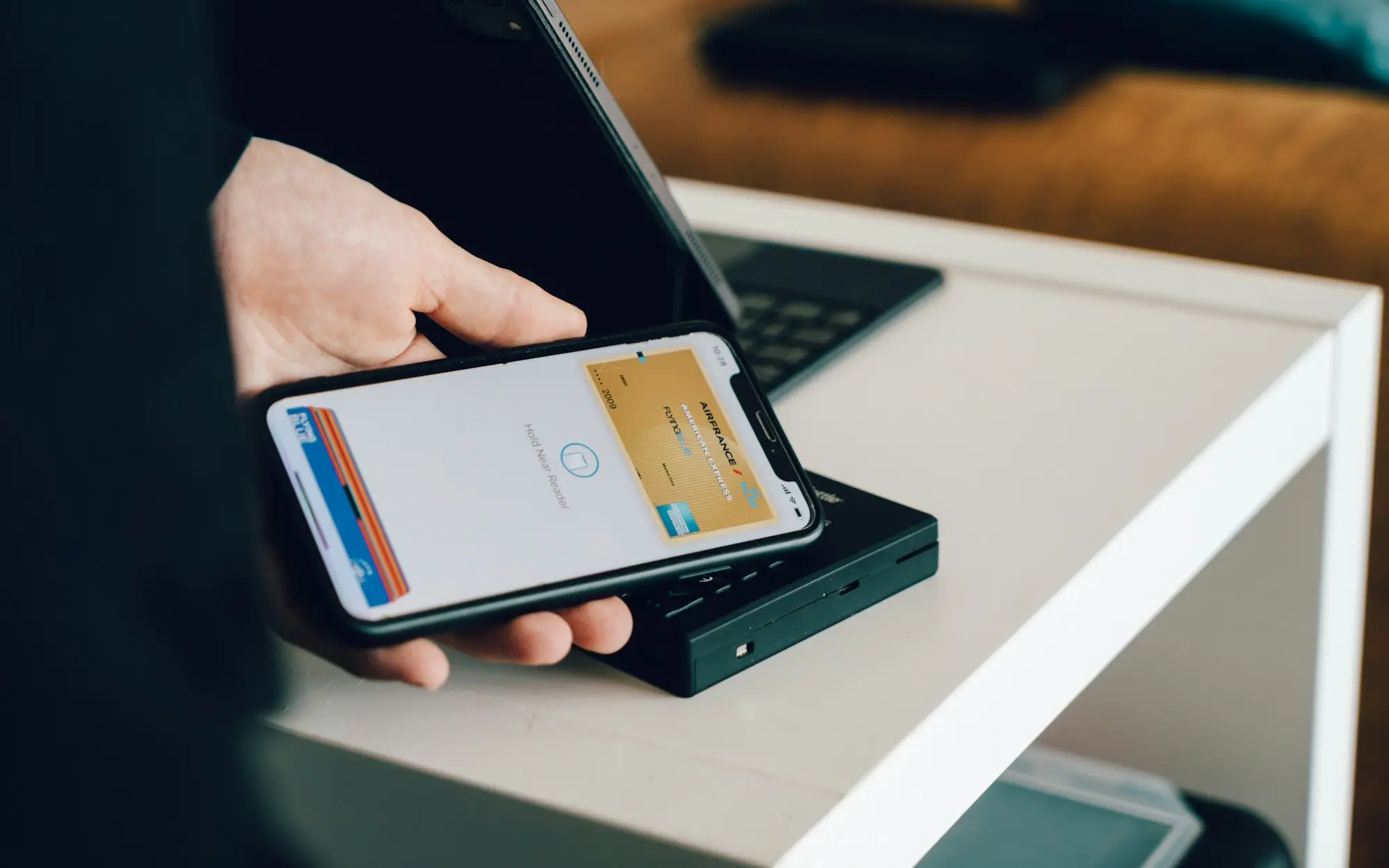
When a lender asks for “six months of bank statements”, the old way was to log into internet banking, download a PDF for each month, save them somewhere, attach them to an email and hope the file sizes didn’t bounce. A bank statement link replaces all of that with one consent screen.
You open a secure link, choose your bank, and authorise the lender to receive a copy of your account transactions. The lender’s system receives the data directly from the bank, in a structured format it can read instantly. It’s a bit like letting the lender look over your shoulder at your transaction list — without handing them your login and without them being able to touch anything.
How does it work, step by step?
- You receive a link by SMS or email from the lender or its data provider.
- You choose your bank from a list.
- You authenticate with your bank, often by being redirected to your bank’s own login page or app, and sometimes by entering a one-time code.
- You select the accounts to share and see what data will be shared and for how long.
- You confirm consent. The data flows to the lender.
- The lender’s system summarises it into categories: income, regular outgoings, loan repayments, tax payments, dishonours and so on.
The whole thing usually takes a few minutes and works on a phone or computer.
What is the Consumer Data Right, and does it apply?
The Consumer Data Right (CDR) is the Australian Government’s framework for consent-based data sharing. According to cdr.gov.au, it’s active in banking and energy, with non-bank lending to follow. Only providers accredited by the ACCC can receive CDR data.
The OAIC sets out some key protections for anyone sharing data under the CDR:
- consent must be voluntary, specific and active — not pre-ticked or implied;
- your consent to use the data expires after 12 months;
- you can withdraw consent at any time through an online dashboard;
- accredited businesses must explain what you’ve consented to and what the data is used for.
Not every bank statement service uses the CDR — some use other secure retrieval methods. Read each screen, check who’s receiving the data, and ask your specialist if you’re unsure which method is being used. Our guide is it safe to link your bank statements? goes deeper on security.
What does the lender actually see?
| They see | They don’t get |
|---|---|
| Deposits and withdrawals with dates and descriptions | Your banking password |
| Running balances | The ability to move money |
| Regular payments to other lenders, the ATO, suppliers | Access to accounts you didn’t select |
| Dishonours and overdrawn days | Ongoing access after consent ends |
| Account names and BSB details | Anything outside the agreed period |
From this, the lender builds a picture of your cash flow. Our page on what online lenders check explains how they interpret it.
Why can some loans be “bank statements only”?
Because, for a trading business, the bank account often tells the lender more than a set of accounts. Financial statements are prepared after the fact and can be months old. A bank statement link shows what’s happening now: real deposits, real repayments, real tax payments. It’s also much harder to alter than a PDF.
That’s why many unsecured and low doc business loans can be assessed mainly on bank data, plus ID and an ABN check. Larger loans, or loans with unusual features, may need more. If you’d like to know whether your statements could carry an application on their own, ask a specialist — there’s no credit check to enquire.
How do you make your statements tell the right story?
- Link every account the business uses, including a separate GST or tax account if you have one.
- Explain big one-off deposits, such as an asset sale or a capital injection, so they aren’t mistaken for regular income.
- Mention transfers between your own accounts, which can look like income if not explained.
- Note seasonal patterns so a quiet month isn’t read as a decline.
- Keep business and personal separate wherever you can.
The ATO expects business records to be kept for five years and accepts electronic records. Keeping your bank feeds tidy in your accounting software helps with both tax and lending.
What if your bank isn’t on the list?
Smaller banks, credit unions and some business-only accounts aren’t always available through every statement service. If yours is missing, don’t worry — it doesn’t count against you. Your specialist will ask for PDF statements downloaded directly from internet banking instead, ideally the official statements rather than screenshots or spreadsheet exports, because those are easier to verify. Send complete months, include every page, and keep the original file names so nothing looks edited.
Illustrative example: a statement link instead of a shoebox
Illustrative only. A courier business owner has never downloaded a bank statement in his life; his bookkeeper handles everything. When he enquires about a loan for a second van, he’s dreading the paperwork. His specialist sends a link instead. He picks his bank, logs in through his banking app, selects the business account and approves. Four minutes later the lender has six months of data, and he hasn’t touched a PDF.
Share once, securely, and move on
If paperwork is what’s been stopping you, a bank statement link is the shortcut. Start with an enquiry that takes about a minute and doesn’t involve a credit check. It goes to one team who’ll look at your data properly — your details aren’t distributed to a pile of lenders.
Please tell us on the form which bank you use and how many accounts the business runs. Accurate details help your specialist send the right link the first time. Start your online enquiry.
Frequently asked questions
Can the lender take money from my account through the link?
No. A bank statement link gives read-only access to transaction history. Repayments are set up separately, through a direct debit authority you sign.
Do I have to give my banking password to the lender?
Under the Consumer Data Right, you authenticate with your own bank and never share your password with the lender. Other services may work differently, so read what each screen asks.
How long does the lender keep access?
Under the CDR, consent expires after 12 months at most, and you can withdraw it at any time through your dashboard. Many lending consents are for a much shorter period.
Can I just email PDF statements instead?
Usually, yes. The link is faster and harder to tamper with, which some lenders prefer, but PDFs from your internet banking are still commonly accepted.
What if I have more than one business account?
Link or provide all accounts the business uses. Missing accounts make income look lower than it is or hide commitments the lender needs to see.